 Alkhatmah
Each prayer gets its own card
Tick a surah with one tap and watch the prayer, the day and the whole khatma update.
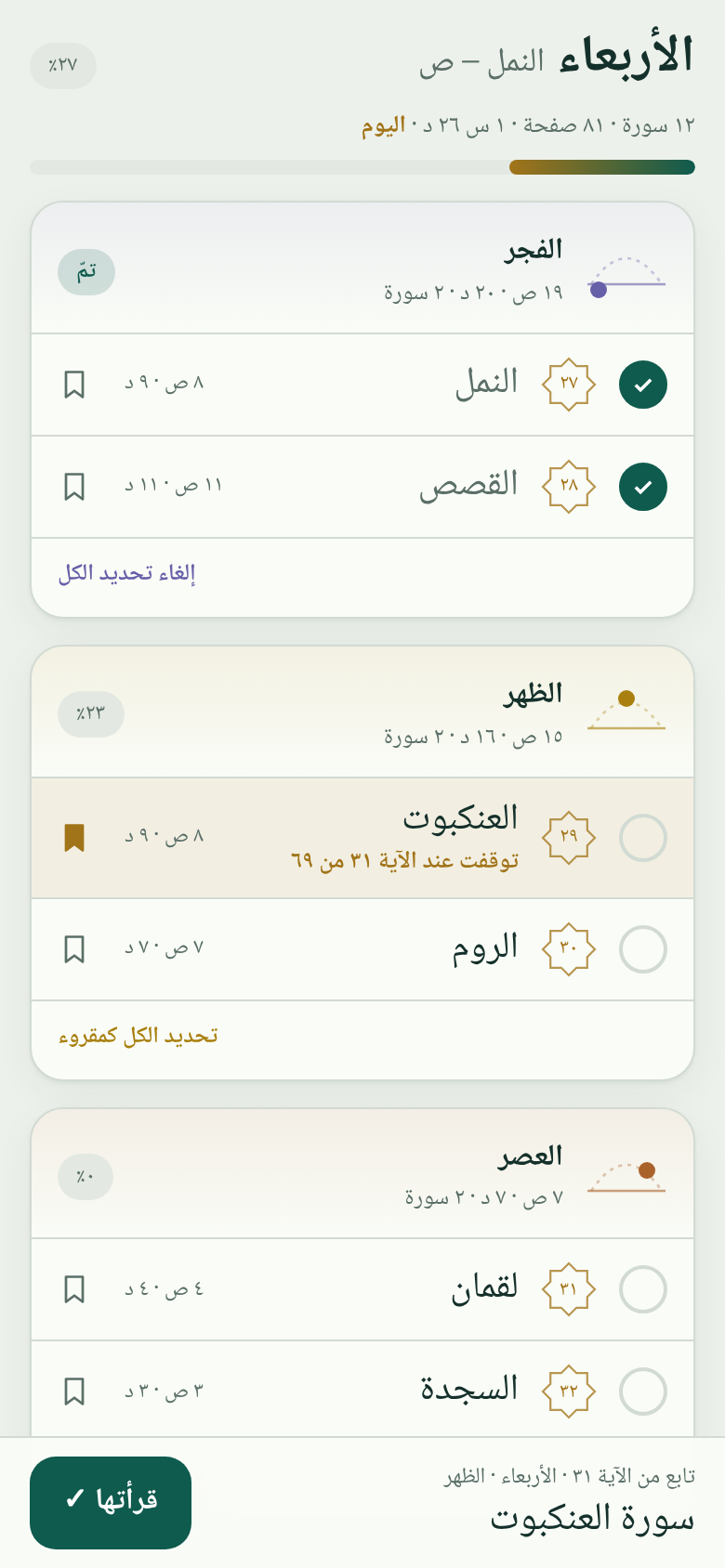
Pick a plan from three days to a month. Alkhatmah splits it across the five prayers and remembers where you stopped.
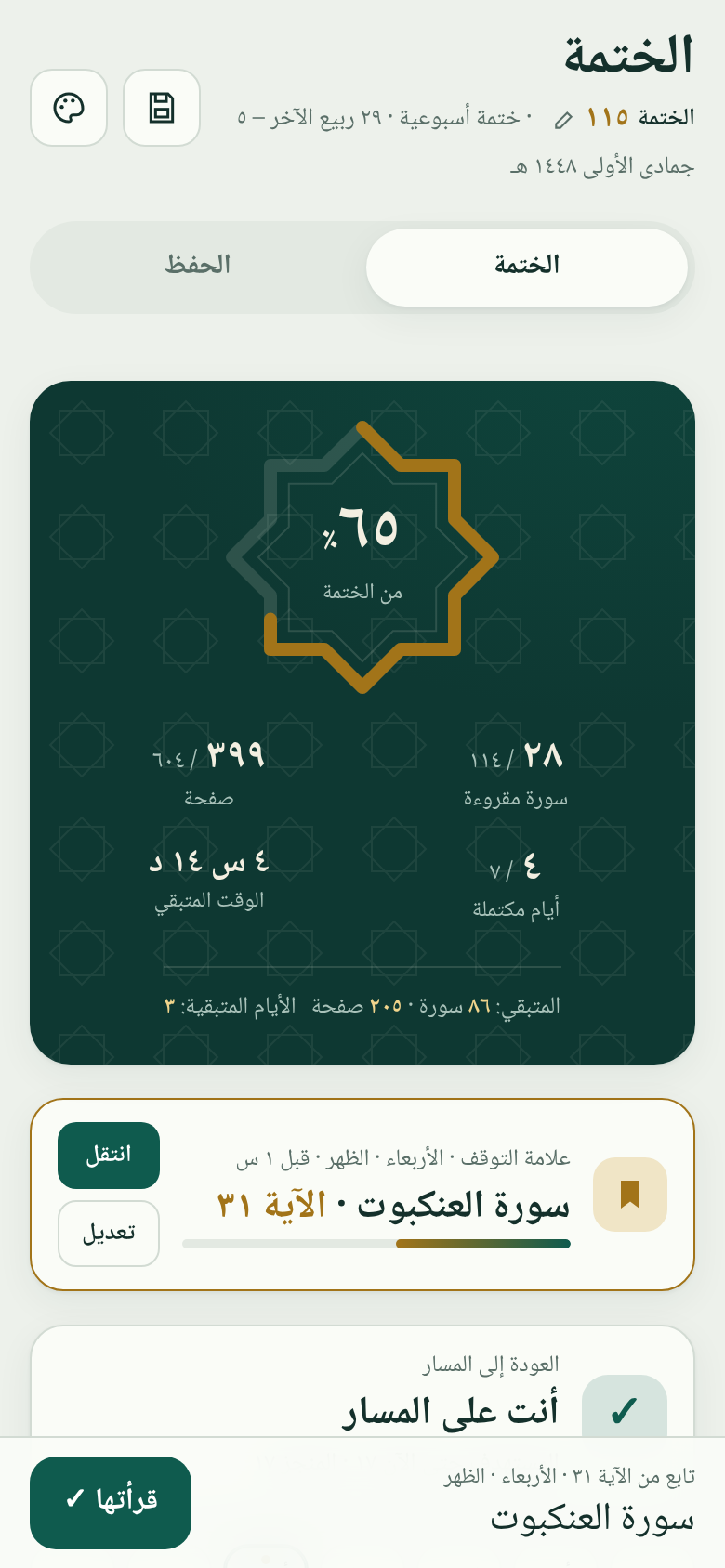
Five plans, each spread over Fajr, Dhuhr, Asr, Maghrib and Isha. Switch plans mid-way and keep everything you have read.
Saturday to Friday, following the Companions' seven-part division.
Tick a surah with one tap and watch the prayer, the day and the whole khatma update.
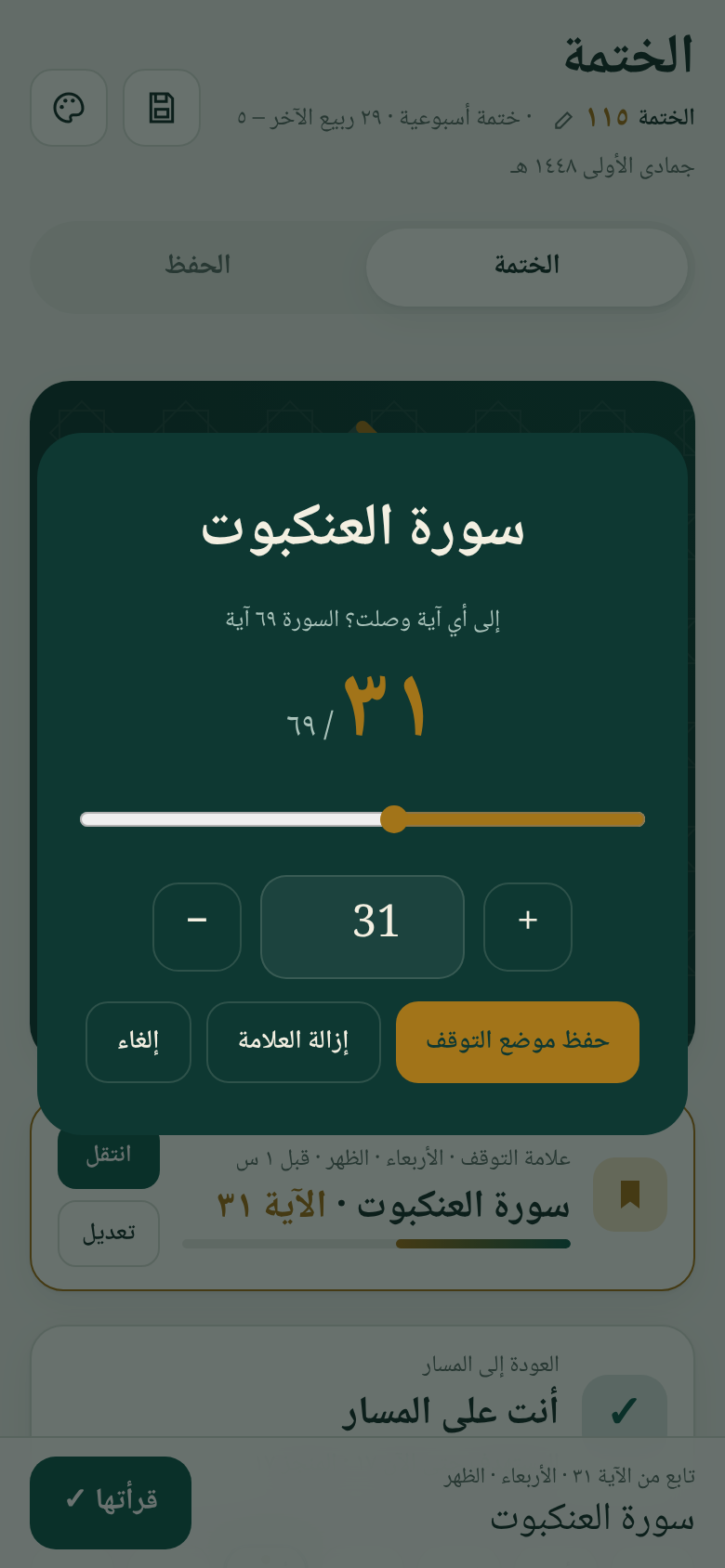
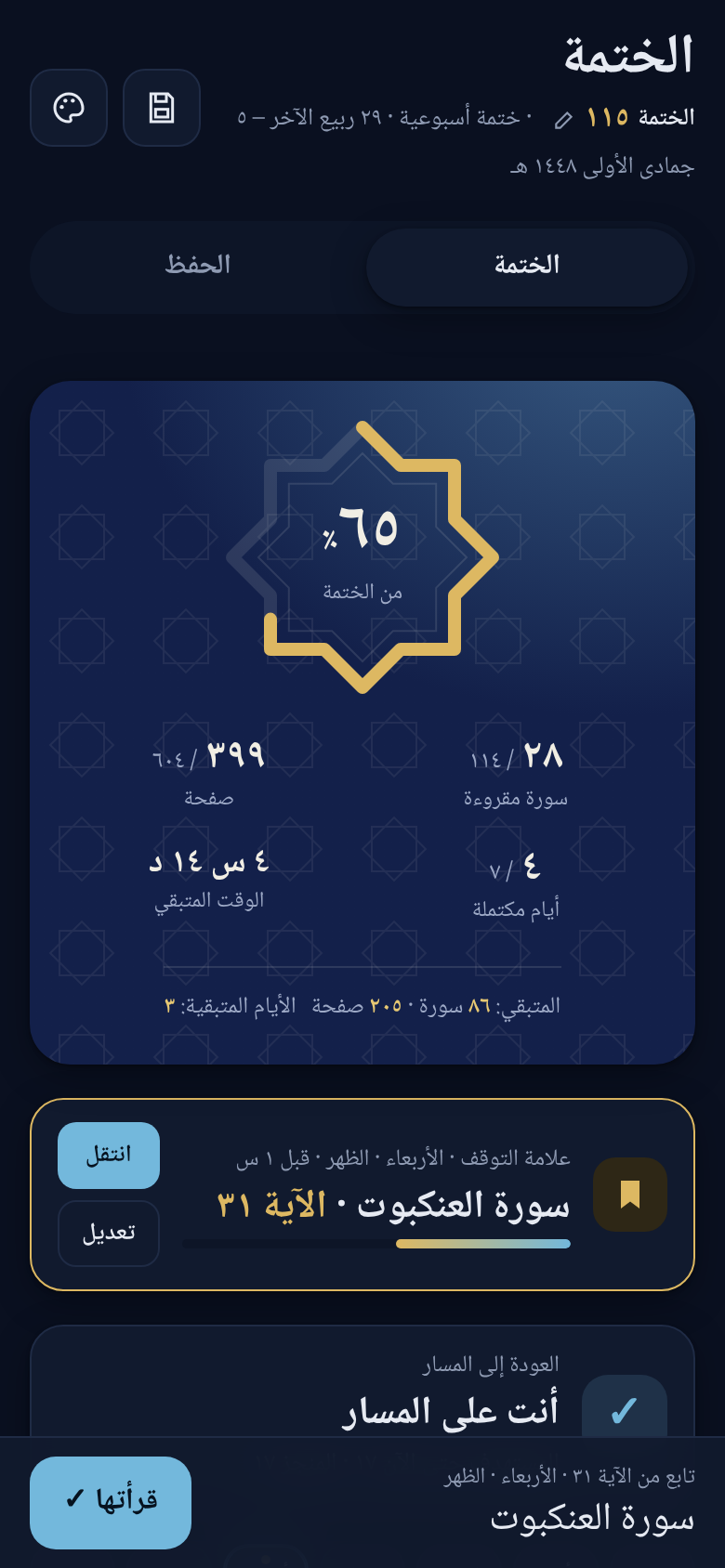
Mark the verse and pick up right there next time.
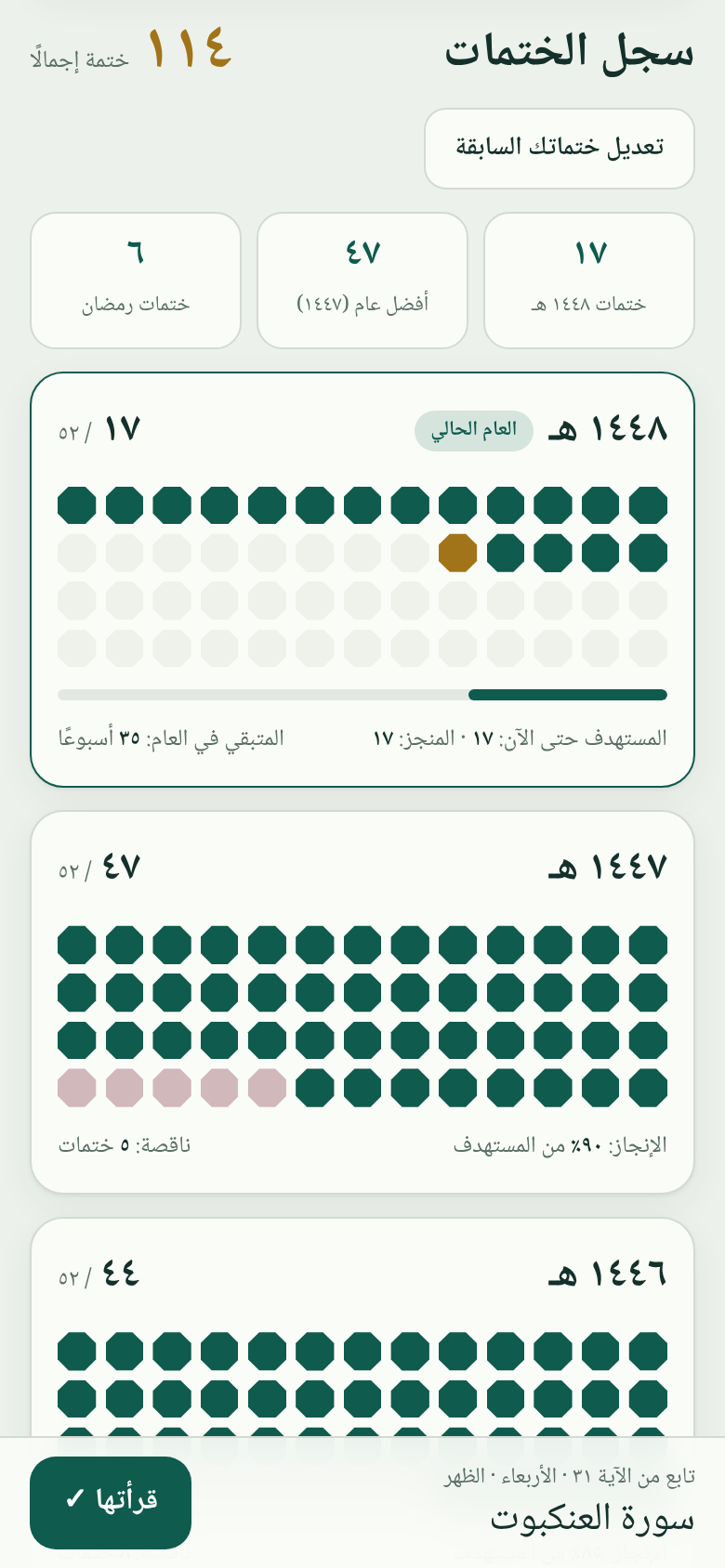
One bead per week, and a tracker that tells you how many days it takes to get back on track.
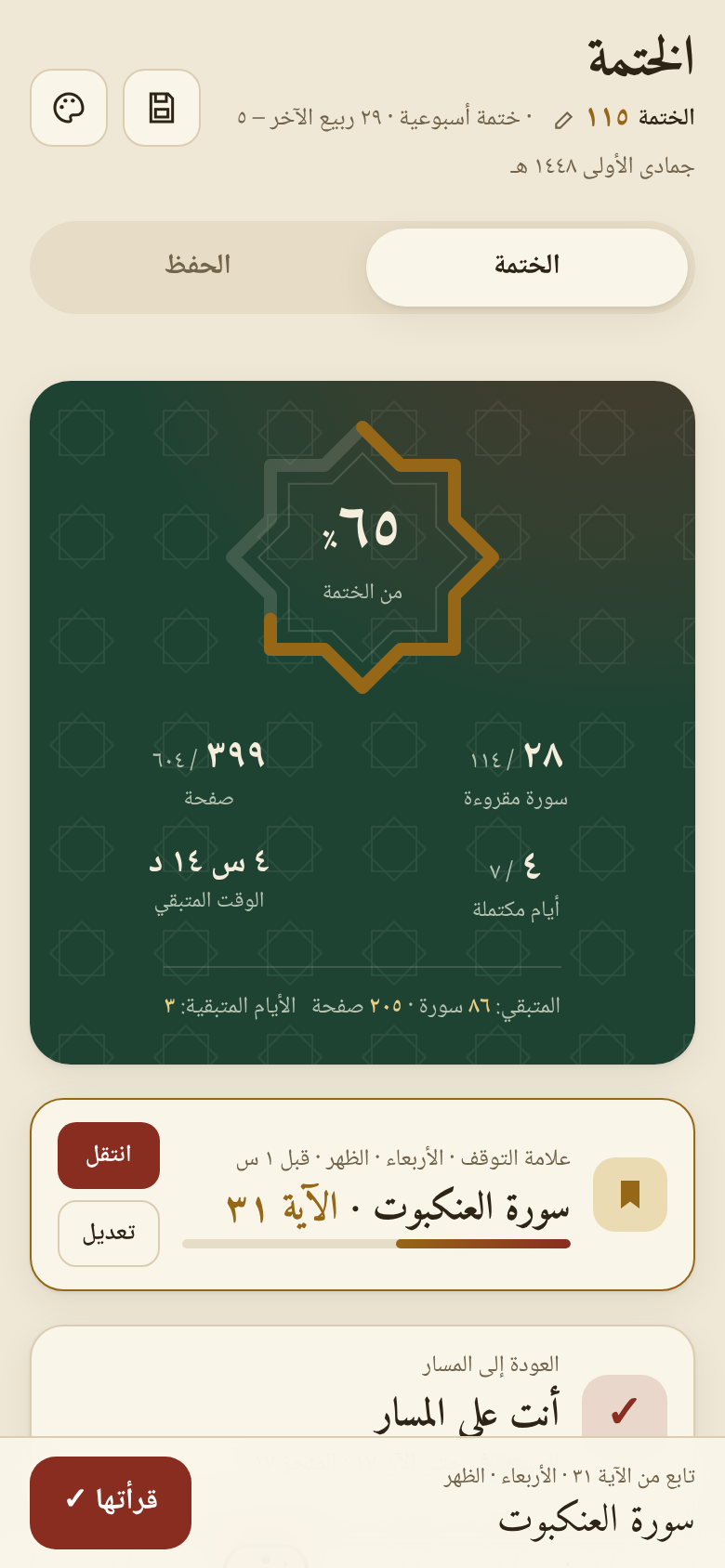
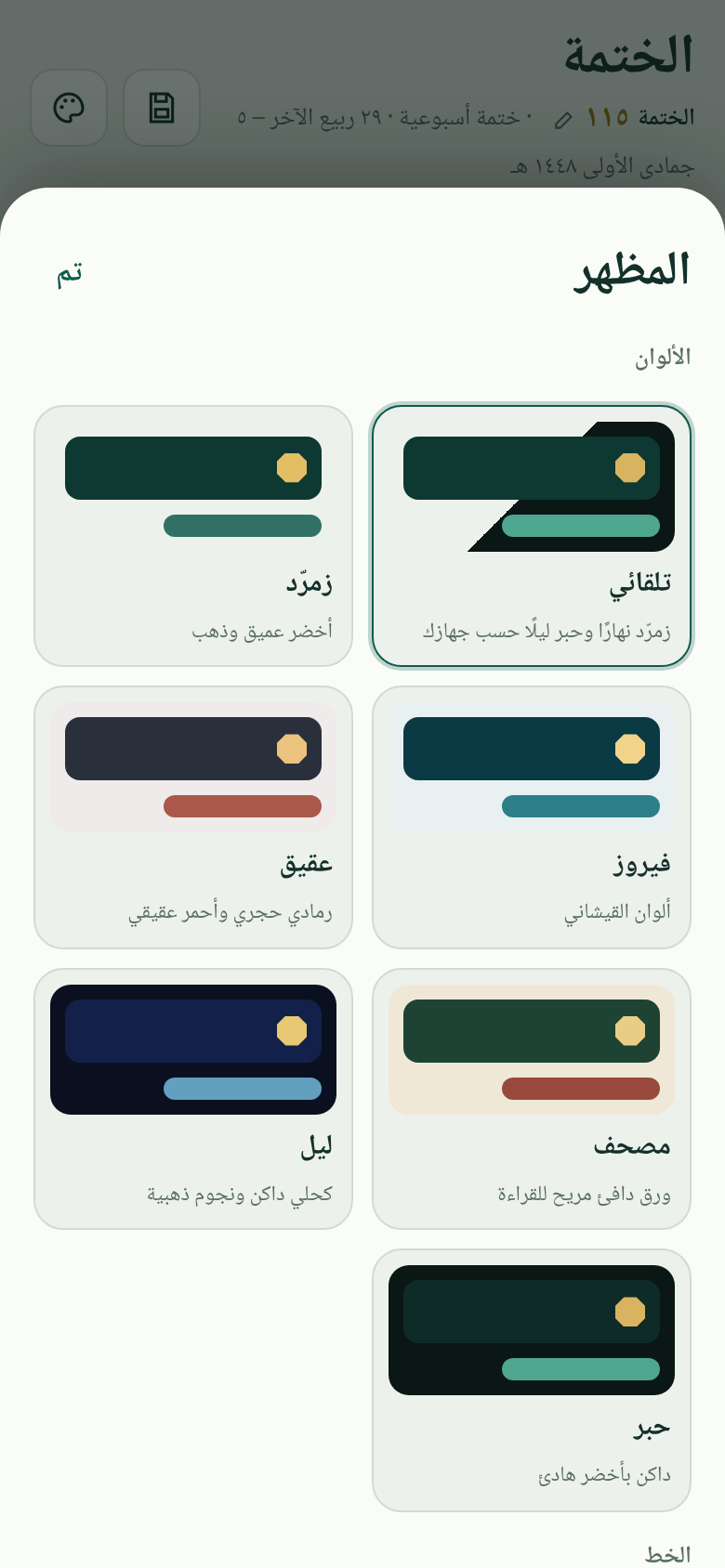
Seven themes, including Mushaf and Night, and five Arabic typefaces.
Use it without signing up and your data stays on your device, or create a free account to reach your progress from any device. It works offline after your first visit, and it is free, as an ongoing charity.
Alkhatmah runs like an app on your phone, with no app store needed.
Yes. Completely free, with no ads and no subscriptions.
Alkhatmah plans and tracks your reading. Read from your printed Mushaf or your favourite Quran app, and save the verse number when you pause.
Without an account, only on your device, inside your browser. If you create an account (name, email and password), your progress is also saved to it and synced across your devices. You can delete the account at any time.
Create an account, verify it from your email, then sign in on the other device. Without an account, download a backup file from “Save & settings” and import it there.
Yes. Turn on prayer reminders from the bell icon and pick your city. After each prayer you get a notification with that prayer’s portion and your memorisation page, and nothing if you have already finished it. On iPhone, add the site to your Home Screen first.
Alkhatmah offers to extend your plan while keeping what you have read, and shows how many days it takes to catch up.
Yes. The Memorise tab gives you one new page a day from Al-Baqarah to An-Nas, repeated ten times after each prayer, with daily review of recent and older pages, and tracks your progress and expected finish date.
Yes. Use “Add previous completions” in your record, and they count towards your numbering.